The brief
Lonely Planet's most-visited articles are list-format pieces — like "Best things to do in NYC with kids" or "Top free things to do in Hawaii." They needed a new action-oriented editorial template: a content format that permits trip creation and saving. The current article template doesn't allow user action within the content or flexible integration of dynamic features like Points of Interest. The new template will serve as a key entry point for the Trip Planner tool.
The goal
A successful new template lets users save pieces of content throughout the article to their trips. It also gives Lonely Planet writers and editors more options for adding helpful planning tips, photo carousels, and promotion to other on-site content.
Deliverables
- — Article template designs
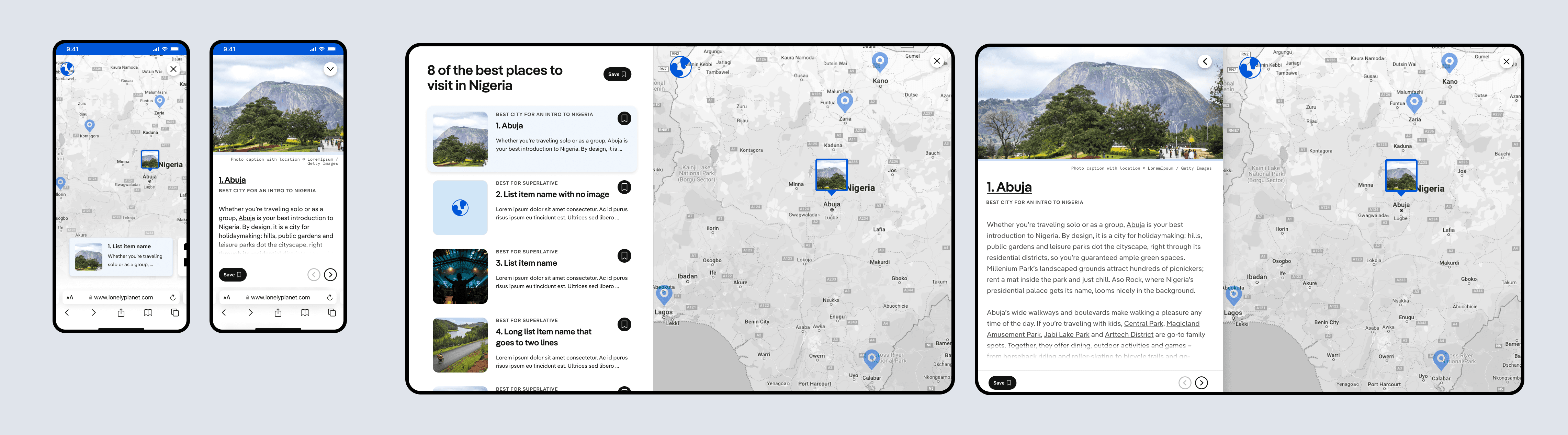
- — Map feature
Timeline
May 2023 – July 2023
Role
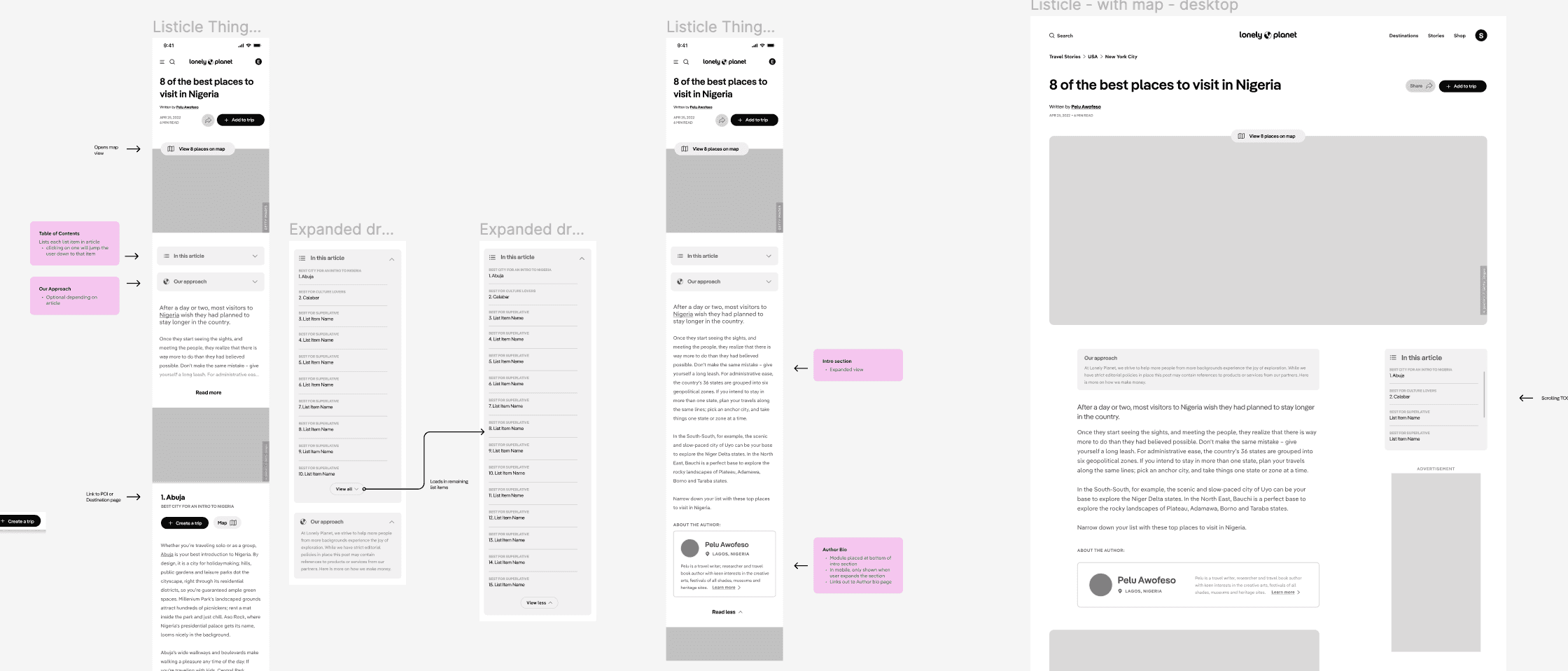
I worked alongside our Senior Vice President of Creative in the brainstorming and wireframe stages. I designed the final mockups and the engineering handoff.
Brainstorming, research & competitive analysis
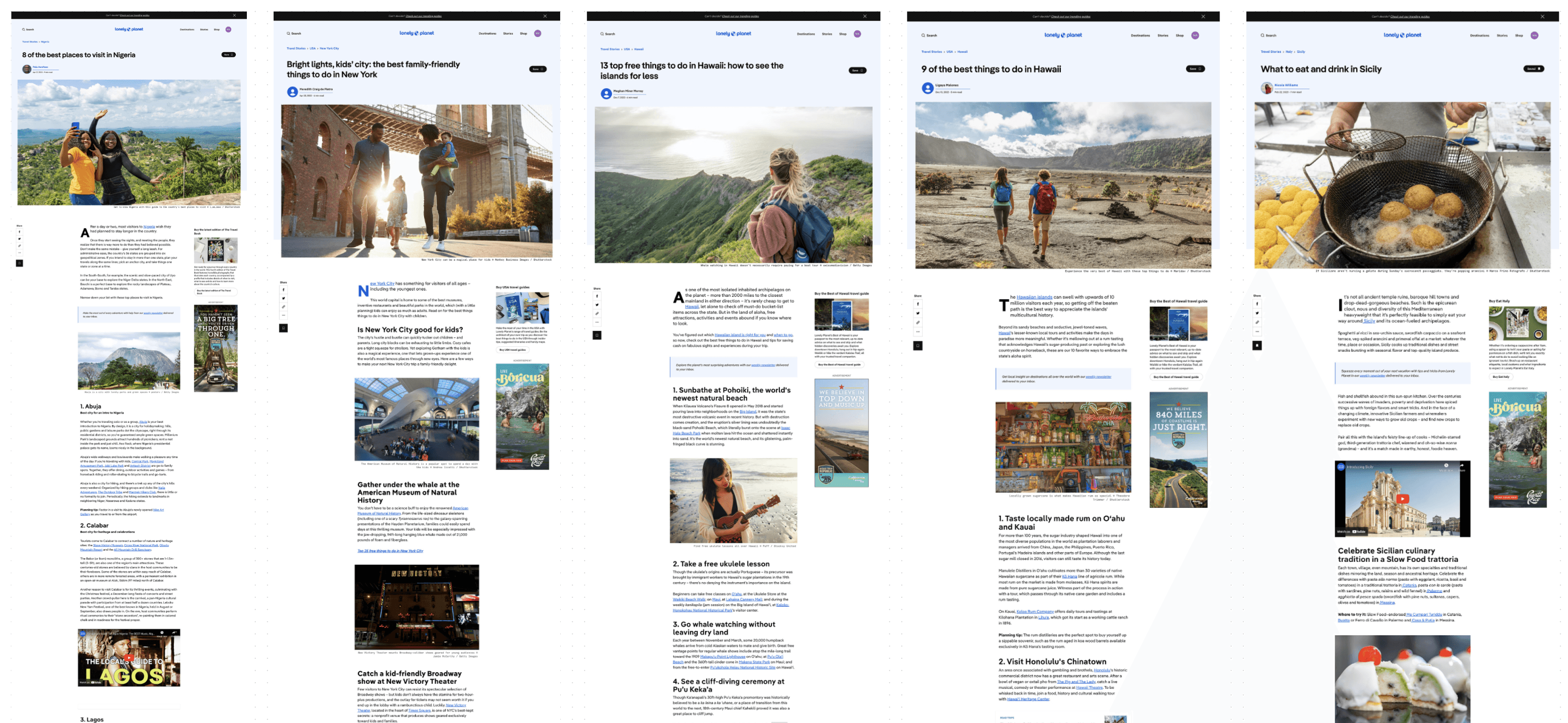
With a small group — myself, VP of Creative, the project manager, editors, and an engineer — we brainstormed what a successful article template means for each team. Using these goals and the user perspective, I audited the current article template to document existing features and content types. I also researched competitor sites that use a list format to serve content, which gave the team ideas for improving on the typical travel-planning listicle.
Solution
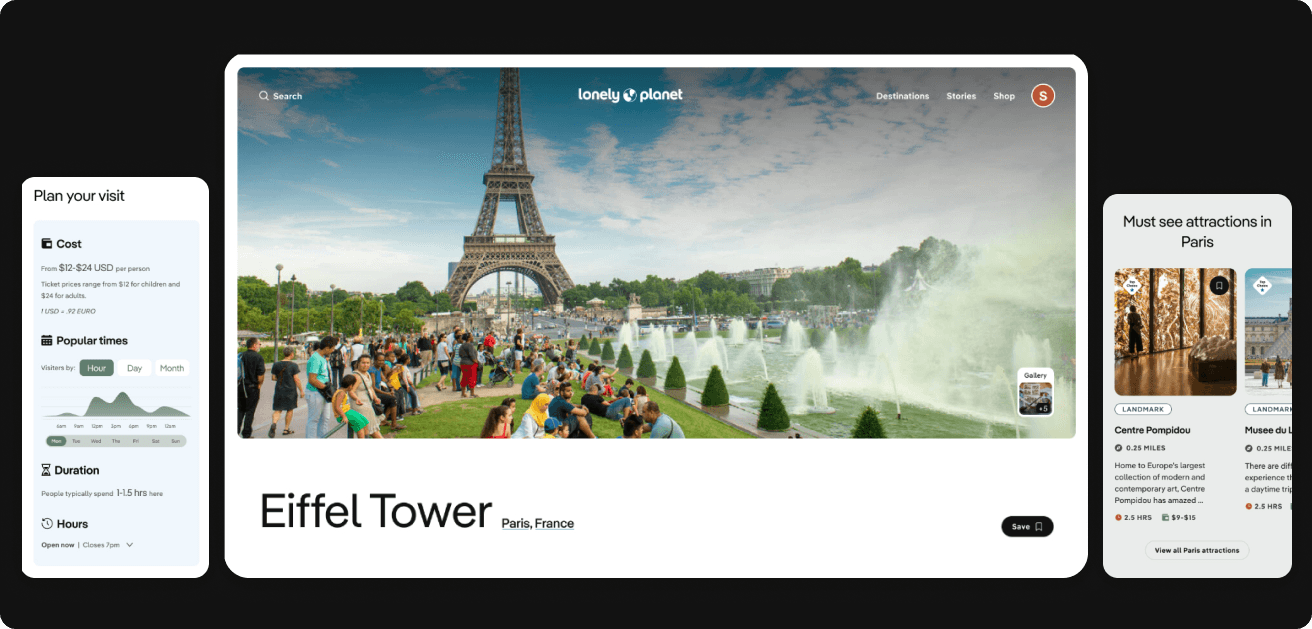
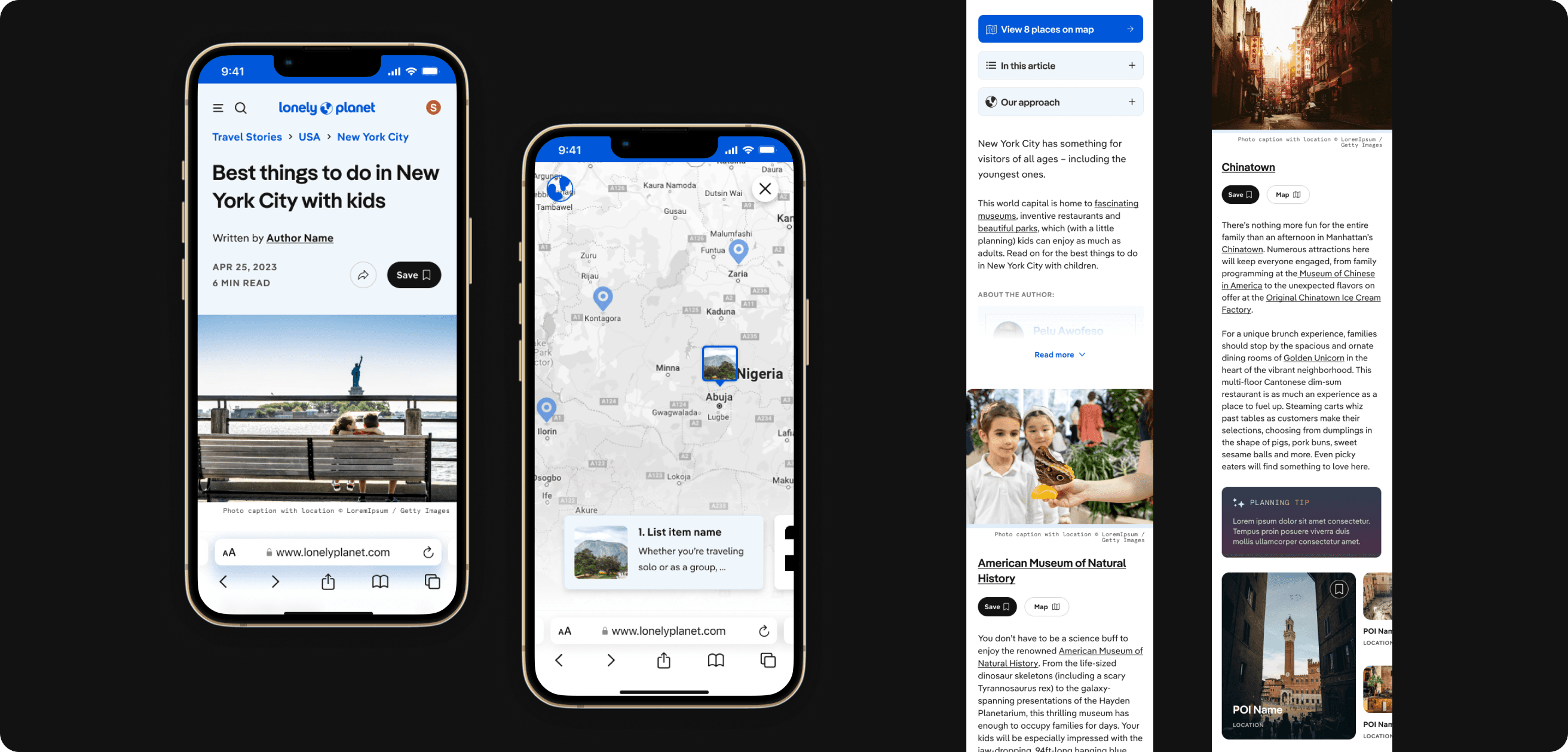
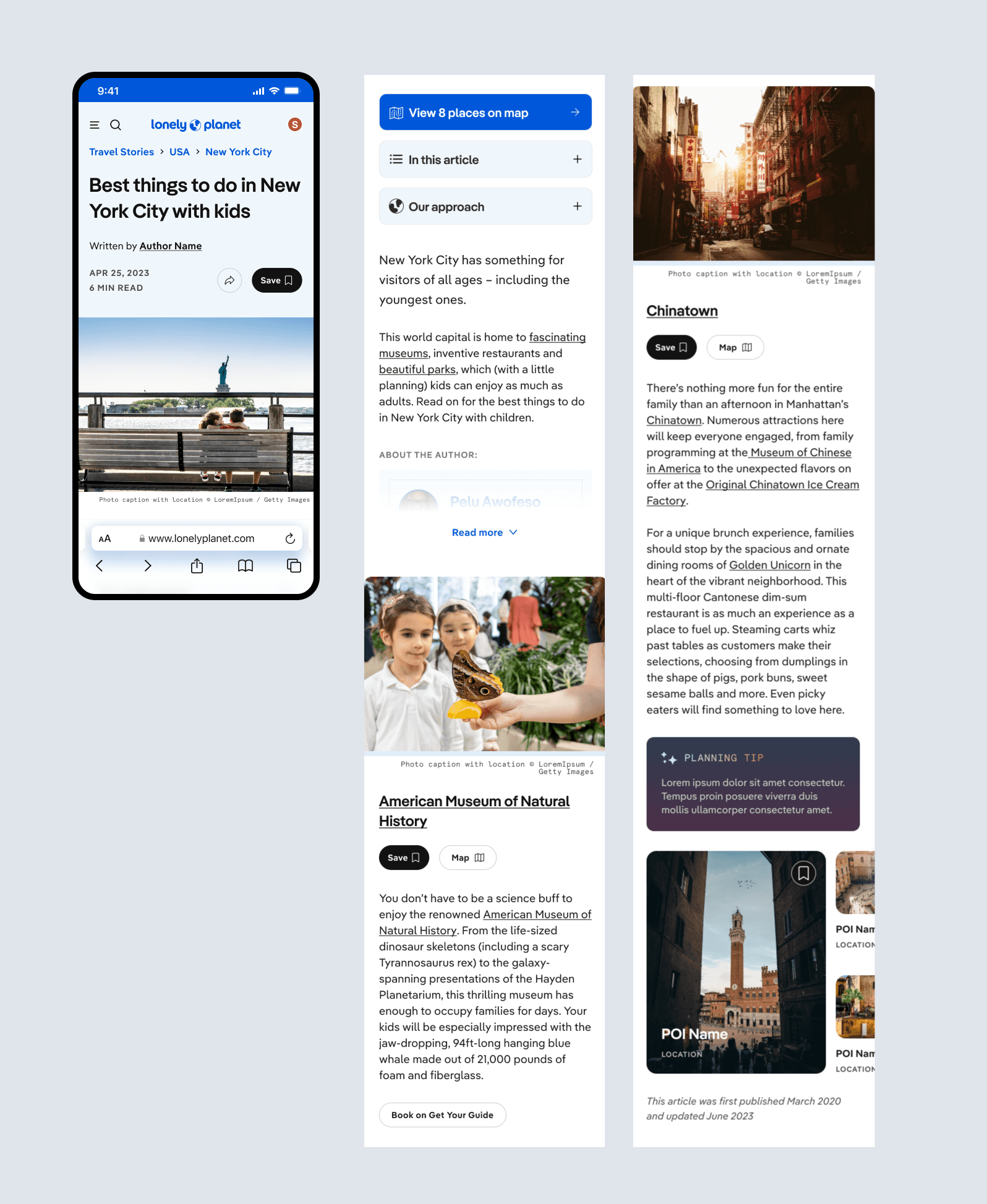
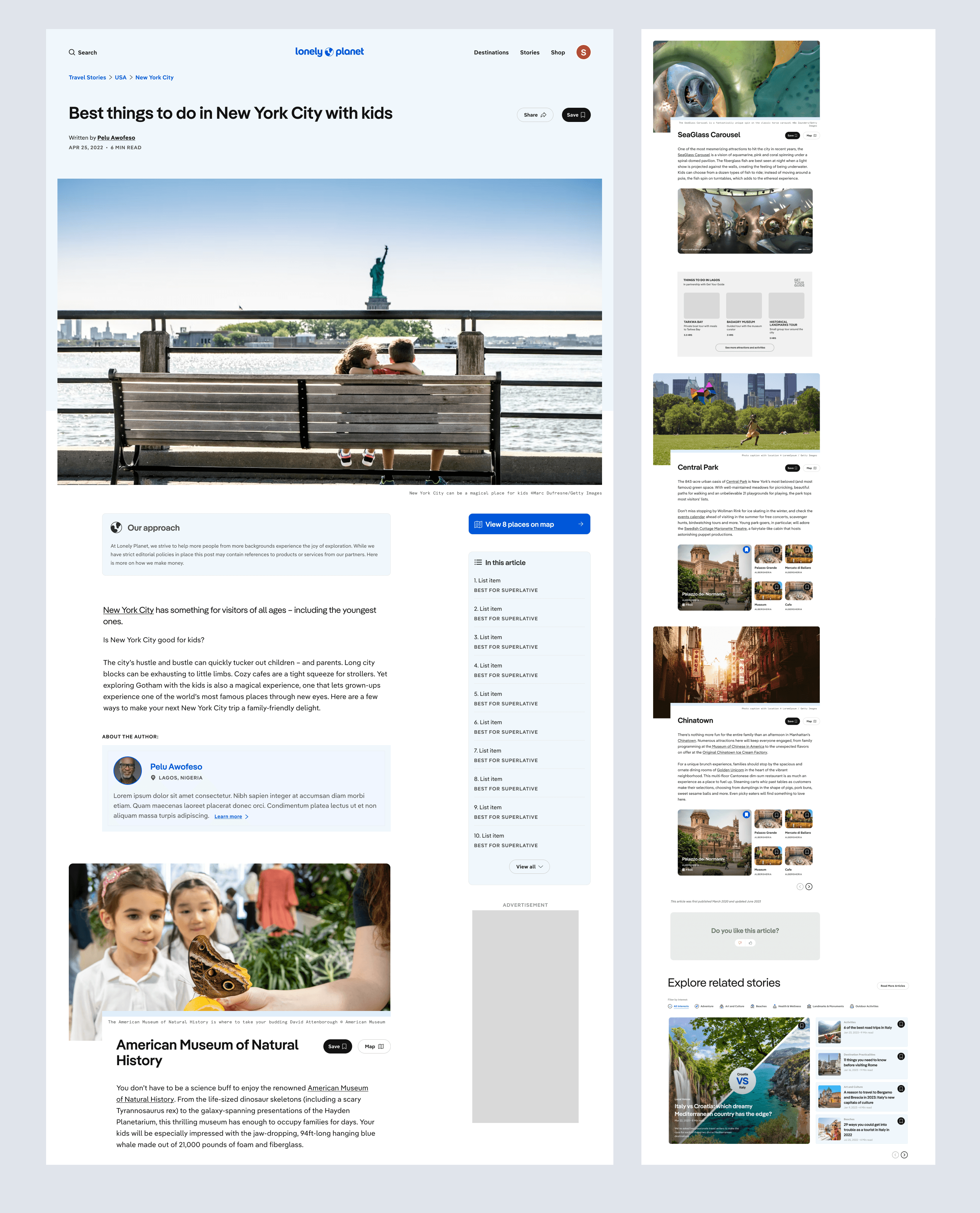
The final template design takes a modular approach and incorporates several new features:
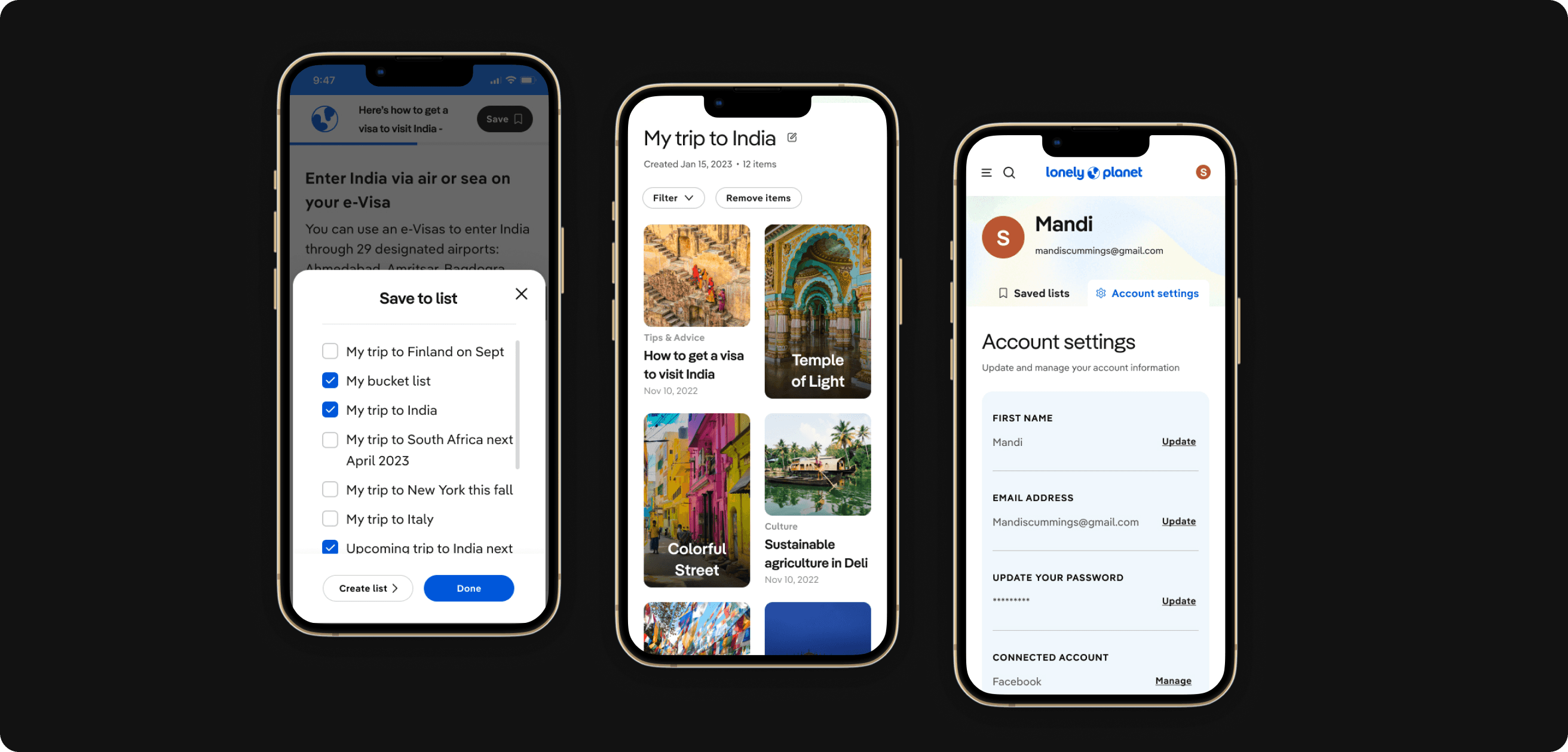
- Ability to save various items throughout the article to a trip
- New feature to view each list item on an interactive map
- Components used from across the site — image carousels, planning tips, and carousels of mentioned sights for each list item
Results
Updates will roll out in multiple phases. We'll gather data on each component to understand how users move through this type of article and the actions they take on the page.